![knowledgebase logo-1.png]](https://helpme.everlogic.com/hs-fs/hubfs/knowledgebase%20logo-1.png?height=40&name=knowledgebase%20logo-1.png)
IMPORTANT: If you have created Categories in QuickBooks, they will need to be removed, as EverLogic is not built to accept them.
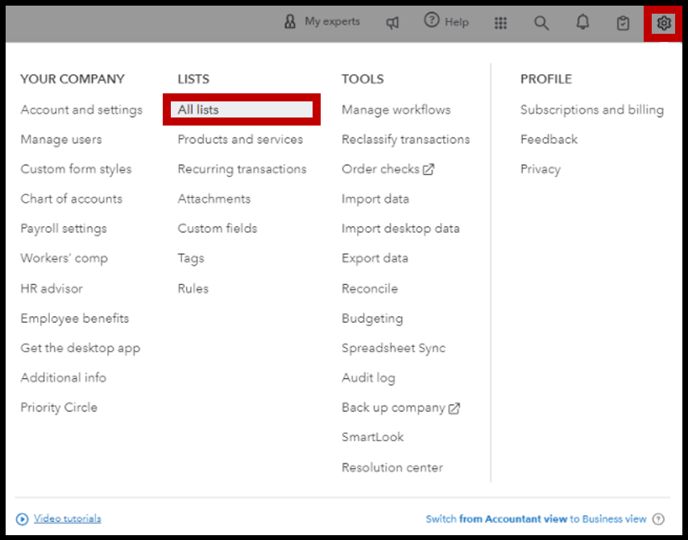
1. Click the Gear Icon
2. Select All Lists
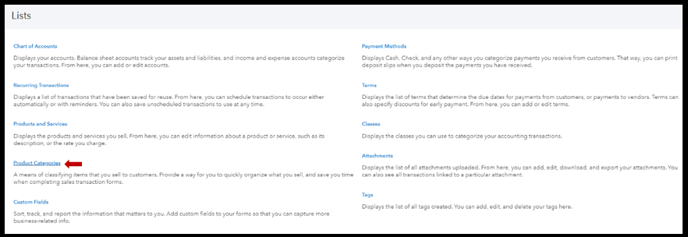
3. Select Product Categories
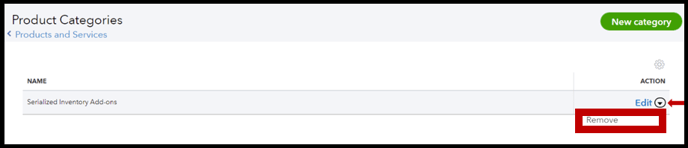
4. Click drop-down arrow and select Remove
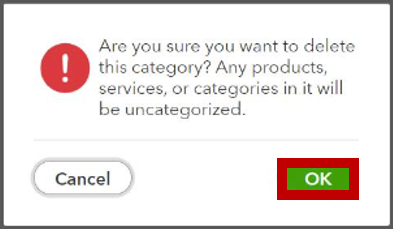
5. Click OK